Followers or following: which list do you need?
Followers are the accounts that follow a profile. Following is the list of accounts that profile follows. They answer different questions. Followers tell you who an account reaches. Following tells you what the account watches, who it works with, and which brands or creators it keeps close.
Instagram limits how many accounts one profile can follow to 7,500, so a following list is far shorter than the follower list of a large account. One IG Exporter run covers up to 50,000 profiles, which means a complete following list fits in a single export.
What people use a following export for
- Competitor research: see which creators, suppliers, and media accounts a competing brand follows.
- Influencer vetting: check whether a creator follows a lot of giveaway or follow-for-follow accounts before you pay for a post.
- Partnership mapping: list the brands an agency or a creator already works with.
- Audience building: find niche accounts that respected people in your field follow, then review them one by one.
- Your own cleanup: export the accounts you follow and decide which ones to keep.
How to export a following list
- Install IG Exporter from the Chrome Web Store. It is listed there as IG Follower Export Tool.
- Open instagram.com in the same Chrome profile and sign in. The extension uses that session.
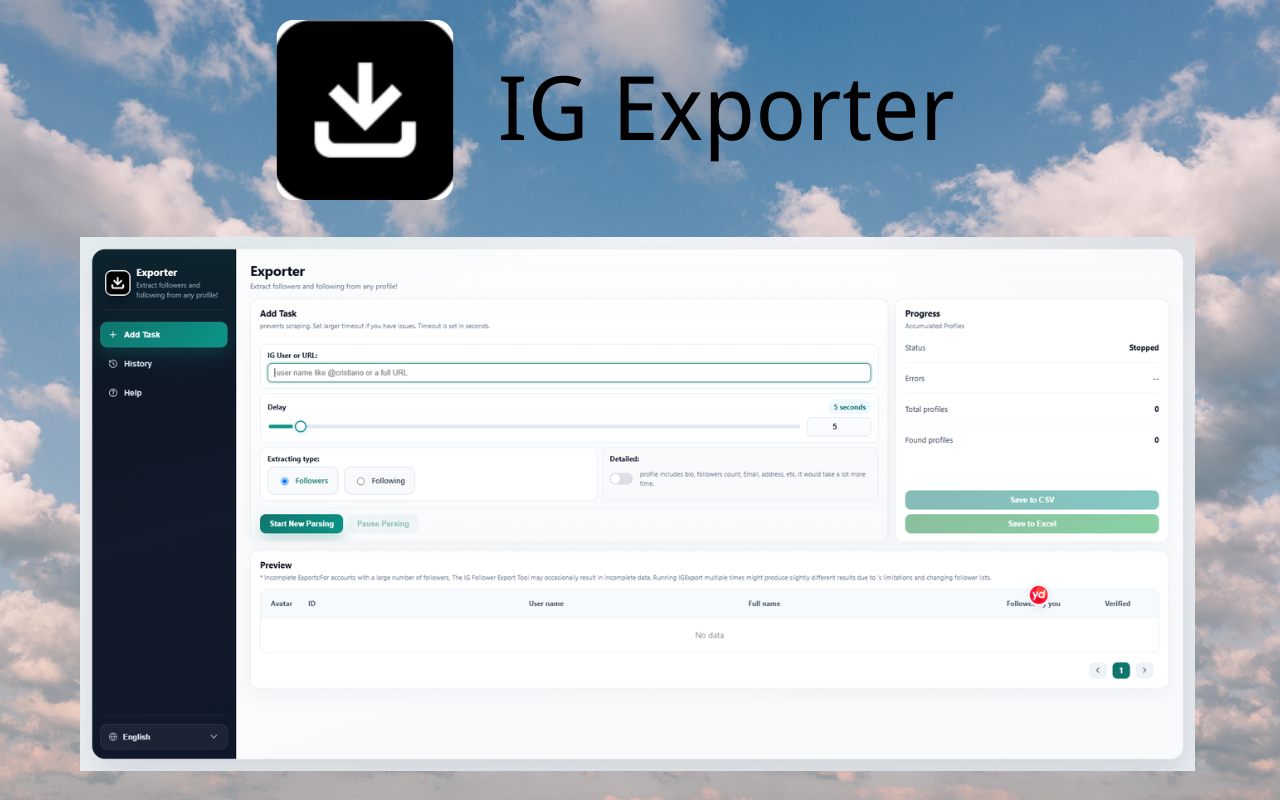
- Open the extension, paste the username or profile URL, and choose Following instead of Followers.
- Pick fast mode for the list only, or detailed mode to add bio, public contact fields, and counts.
- Start the export. When it finishes, download the CSV or Excel file from Chrome.
Which columns you get
Fast mode gives you the core identity columns: username, full name, profile picture URL, and verified status. Detailed mode reads each profile and can add account type, private status, biography, follower and following counts, posts count, and the public email, phone, website, city, and address when the account shows them.
Detailed mode is the useful one for following exports. Sorting the file by follower count separates large brands and creators from small personal accounts in seconds.
Limits and good practice
- Private profiles: you can export a private account’s following list only if your signed-in account is allowed to see it.
- Free tier: every export includes 550 profiles at no charge. Pro removes that limit for $9.99 per month or $79.99 per year.
- Order: do not assume the rows are sorted by follow date. Instagram does not return lists in a reliable date order.
- Rate limits: if Instagram slows the session, cooldown mode waits and continues the same export. Avoid running several large exports at once.
- Use a secondary account for heavy research, and follow Instagram’s terms and privacy laws when you store or share the file.
Track changes over time
A single export is a snapshot. To see who an account started or stopped following, export the list again a week or a month later and compare the two files by username. A lookup formula such as XLOOKUP or VLOOKUP on the username column shows which accounts are new and which are gone.
Questions
Can I export the following list of any account?
Any public account, plus private accounts whose lists your signed-in Instagram account can already see. IG Exporter does not bypass privacy settings.
Is it free?
Installing is free and each export includes 550 profiles at no charge. Most following lists of personal accounts fit inside that. Pro removes the limit.
Does this website keep my exported list?
No. The extension writes the full file to your computer. The preview on this page can download the shown rows as CSV or Excel in your browser.
Can I export both followers and following?
Yes. Run one export for each list. They come out as separate files.
Export the full following list
Install IG Exporter, open the profile in Chrome, choose Following, and download the file.
 Install for Chrome