What “download an IG follower list” usually means
People who type this phrase want a spreadsheet they can sort, filter, and keep. That is different from scrolling the list in the Instagram app, and it is different from Instagram’s Download your information, which only covers your own account and arrives as JSON or HTML.
- Your own followers: Instagram’s official download includes dates, but not a ready spreadsheet.
- Someone else’s public list: Instagram has no download button. You need a browser tool that can save the list you can already open.
- A research snapshot: download today, download again later, and compare usernames to see who joined or left.
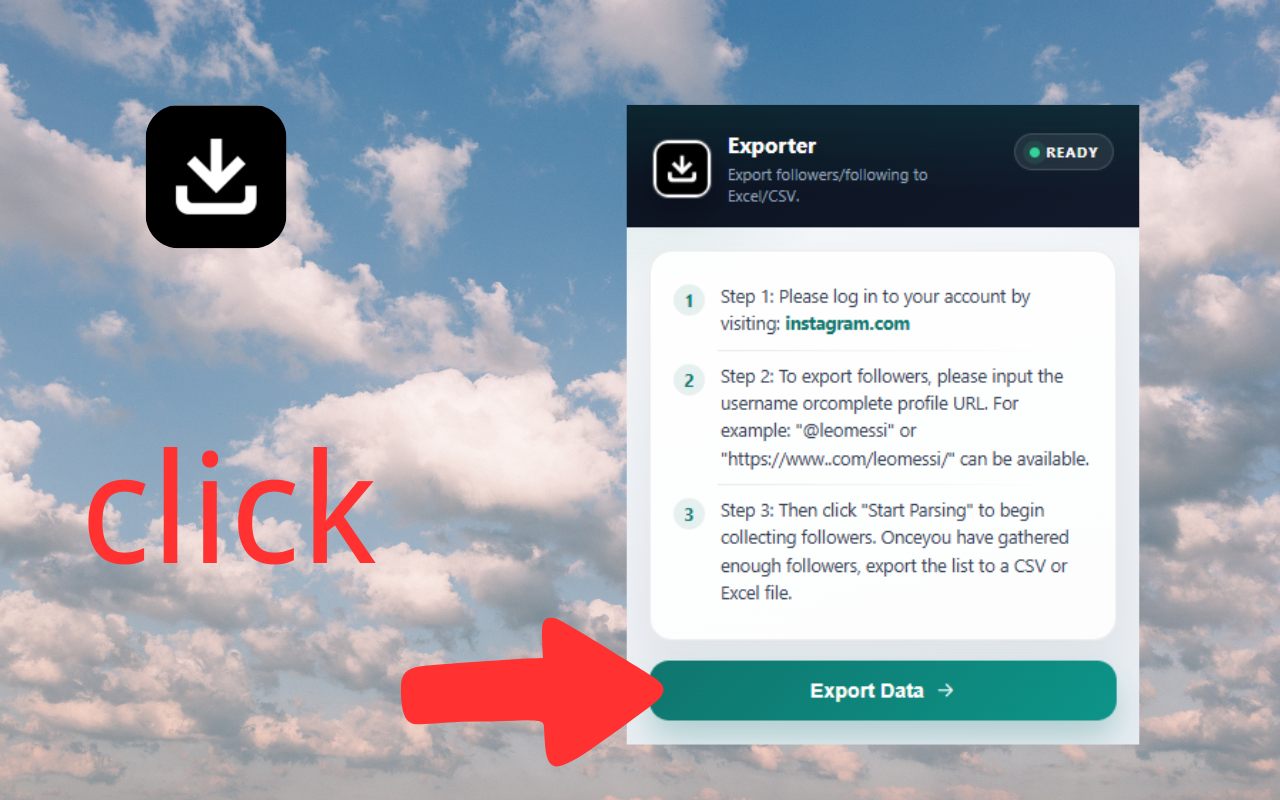
How to download the list with IG Exporter
- Install IG Exporter from the Chrome Web Store (listed as IG Follower Export Tool). It also works in Microsoft Edge.
- Sign in to instagram.com in the same browser profile. The extension uses that session and never asks for your password.
- Open the extension, paste a username or profile URL, and choose Followers or Following.
- Pick fast mode for the list, or detailed mode for bio, public contact fields, and counts.
- Start the run. When it finishes, Chrome downloads a CSV or Excel file to your computer.
What lands in the file
Fast mode gives username, full name, profile picture URL, and verified status. Detailed mode can add biography, private status, follower and following counts, posts count, and public email, phone, website, city, and address when the profile shows them. Blank cells mean the profile does not publish that field.
Limits that matter for downloads
- Each export includes 550 profiles free. Pro removes that limit for $9.99 per month or $79.99 per year.
- One run covers up to 50,000 profiles. Very large accounts may still return a partial list if Instagram cuts the session short.
- Private lists download only when your signed-in account can already see them.
- Row order is not a reliable follow timeline. Sort by the columns you need after the download.
- This website’s preview shows up to 50 accounts and lets you download those rows as CSV or Excel. The extension writes the full file locally.
After the download
Open the Excel file directly, or import the CSV into Google Sheets, HubSpot, monday.com, or Airtable. If Excel shows broken characters in a CSV, import it with File Origin set to UTF-8, or download the Excel format instead. For a deeper spreadsheet walkthrough, see the Excel guide linked below.
Questions
Can I download someone else’s follower list?
Yes, if the account is public or your signed-in Instagram account can already open that list. IG Exporter does not bypass privacy settings.
Is the download free?
Installing is free and every export includes 550 profiles at no charge. Pro removes the limit for larger lists.
Does the file upload to your servers?
No. The extension builds the full file in your browser and saves it on your computer. The on-page preview can download the shown rows as CSV or Excel.
Can I download on a phone?
The full download needs desktop Chrome or Edge. On a phone you can preview a public list here, then finish the download on a computer.
Download the full follower list
Install the extension, open a profile you can already view, and save CSV or Excel from Chrome.
 Install for Chrome