01
One-click video download
Find the video on Facebook and download it without leaving the page.

Chrome extension
Save videos, Reels, and photos from Facebook to your computer.
Install the extension first. After Chrome adds it, click Get started to open Facebook.
Step 1 installs the extension. Step 2 opens Facebook. The download button appears only after the extension is installed.
The Chrome Web Store listing is named Facebook Video Downloader.
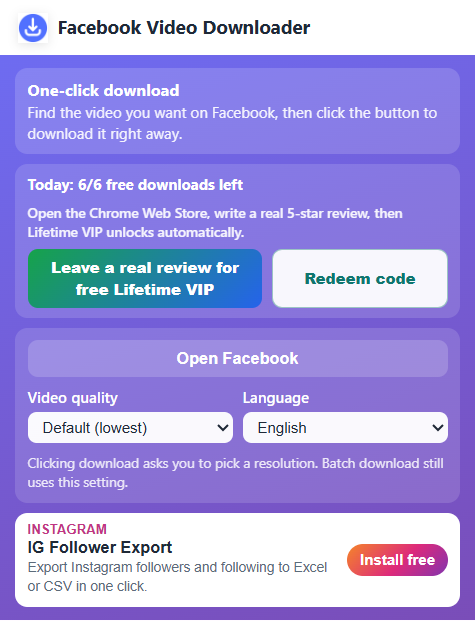
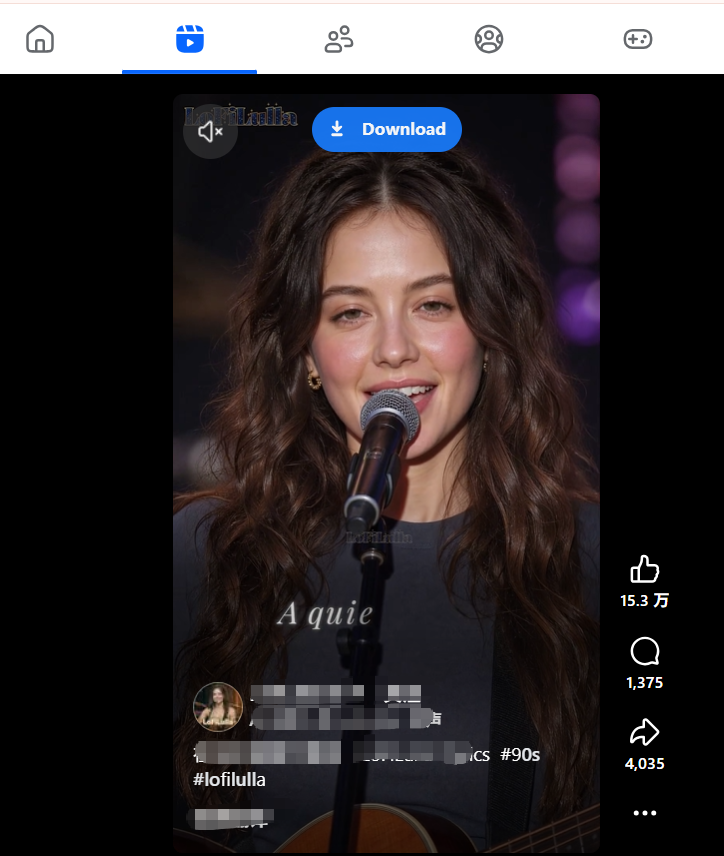
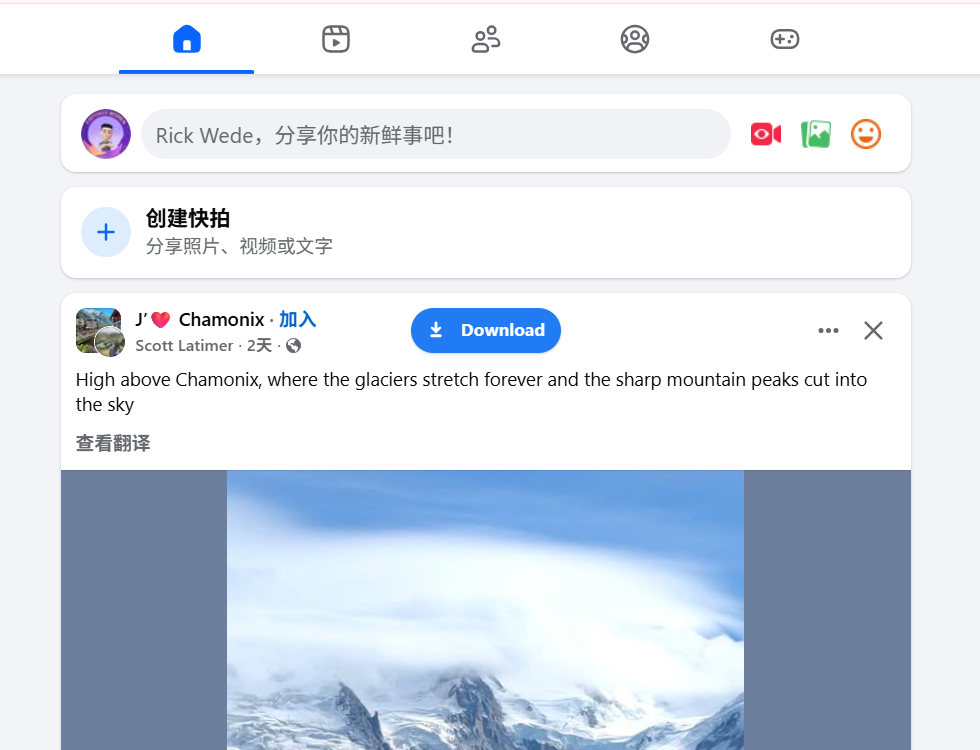
The download button sits on the video or the post. Quality and language are chosen in the popup.
Built for saving public posts you can already view in your browser.
01
Find the video on Facebook and download it without leaving the page.
02
Pick a preferred quality in the popup, from 360p up to 1080p.
03
Save a single photo or the photos in an album.
04
Queue multiple videos or photos and keep the tab open until they finish.
Install the extension from the Chrome Web Store.
Return here and click Get started to open Facebook, then sign in.
Open a video or photo, then click the download button.