Find the right IG export extension
The Chrome Web Store has several listings with names like IG Export, IGExporter, or IG Follower Export Tool. They are not all the same product. Before you install, open the listing and check that it links to ig-exporter.com. That is how you know you have IG Exporter.
- Website brand: IG Exporter (ig-exporter.com).
- Chrome Web Store title: IG Follower Export Tool.
- Same extension also installs in Microsoft Edge.
- Unrelated sites or apps that reuse similar names are not this product.
What the extension exports
- Followers or following of any profile you can already open in Instagram.
- CSV or Excel, with optional detailed fields such as bio and public email.
- Up to 50,000 profiles per export, with 550 free every time.
- Cooldown when Instagram rate-limits the session, then continue the same run.
Install the IG export extension
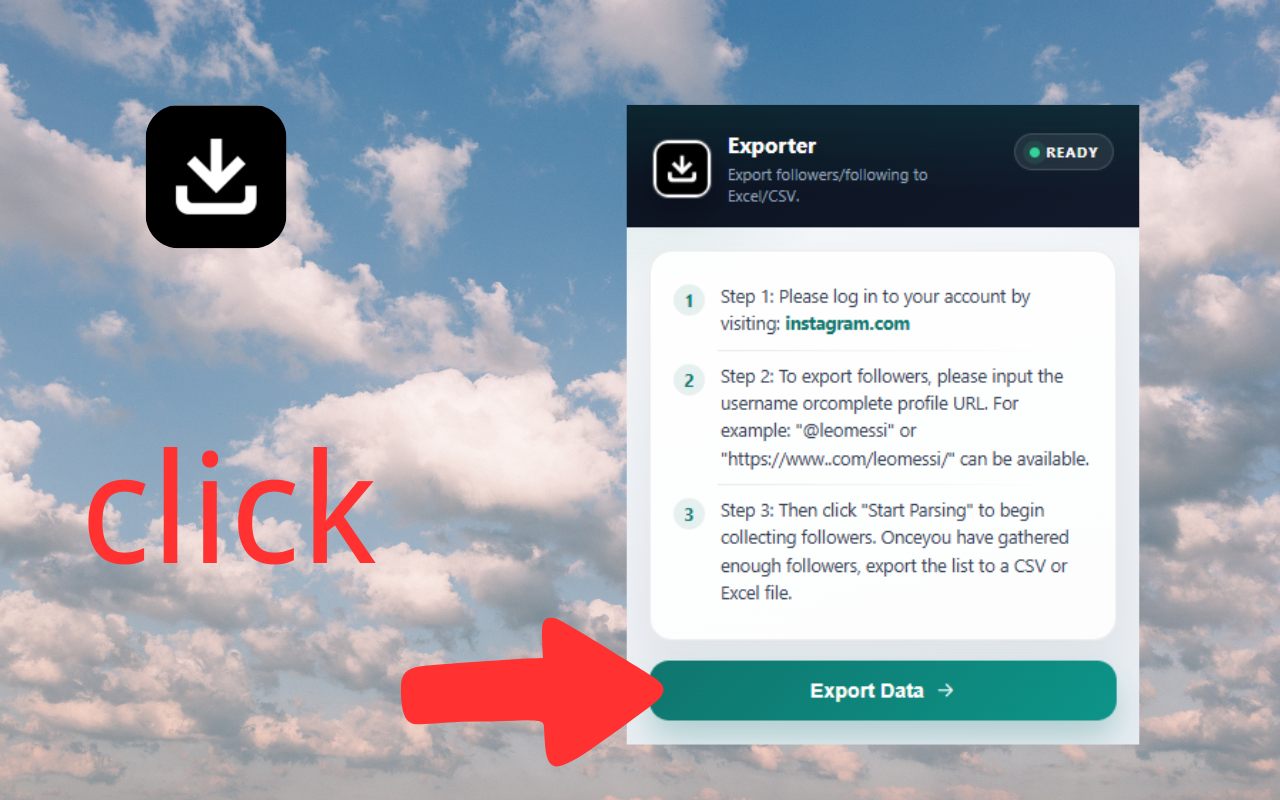
- Open the Chrome Web Store or Edge Add-ons listing that links to ig-exporter.com.
- Click Add to Chrome (or the Edge equivalent) and pin the icon if you want.
- Sign in to Instagram in that browser profile.
- Paste a username or profile URL, choose Followers or Following, and start the export.
- Save the downloaded CSV or Excel file from the browser downloads bar.
What this extension does not do
- It does not log in with your Instagram password on a third-party site.
- It does not unlock private lists you cannot already see.
- It does not show reliable follow dates for other people’s accounts.
- It does not run on phone browsers that lack desktop extension support.
Pricing for the extension
Installing is free. Every export includes 550 profiles. Pro removes the cap for $9.99 per month or $79.99 per year and is paid inside the extension, separate from any website tools.
Questions
Is “IG export extension” the same as IG Exporter?
For this site, yes. IG Exporter is the product; “IG export extension” is a common search phrase for it. Always verify the store listing links to ig-exporter.com.
Is it the same as igexport.com?
No. That is a different company and product. We are ig-exporter.com.
Can I use it in Edge?
Yes. Install from the Edge Add-ons listing, sign in to Instagram in Edge, and export the same way.
Where is the file after export?
In your browser downloads folder as CSV or Excel. The extension does not email the file.
Install the IG export extension
Add IG Exporter from the store listing that links to ig-exporter.com, then export your first list.
 Chrome에 설치