Why people search for an Instagram Chrome extension
Official Instagram has no “export followers” button for other accounts. Cloud scrapers need your session on someone else’s servers. Copying by hand does not scale. A browser extension sits where you already work: open Instagram, run the export, download the file.
- Uses the Instagram session already signed in on that browser profile.
- Never asks you to type your Instagram password into a third-party form.
- Writes CSV or Excel on your computer instead of emailing a cloud export.
- Supports Microsoft Edge as well as Google Chrome.
What this IG tools extension does
Searchers sometimes type “ig tools extension” when they want any Instagram helper in Chrome. This product’s job is narrower and clearer: export followers or following lists. It is not a mass-DM tool, not a growth bot, and not a password-based third-party login app.
- Followers or following, up to 50,000 profiles per run.
- 550 profiles free on every export; Pro removes the limit.
- Fast mode for the list; detailed mode for bio and public contact fields.
- Cooldown mode waits out Instagram rate limits and continues the same run.
Install and export in five steps
- Open the Chrome Web Store listing for IG Follower Export Tool and click Add to Chrome (or add it in Edge).
- Confirm the listing links to ig-exporter.com so you are not installing a similarly named unrelated extension.
- Sign in to Instagram in that same browser profile.
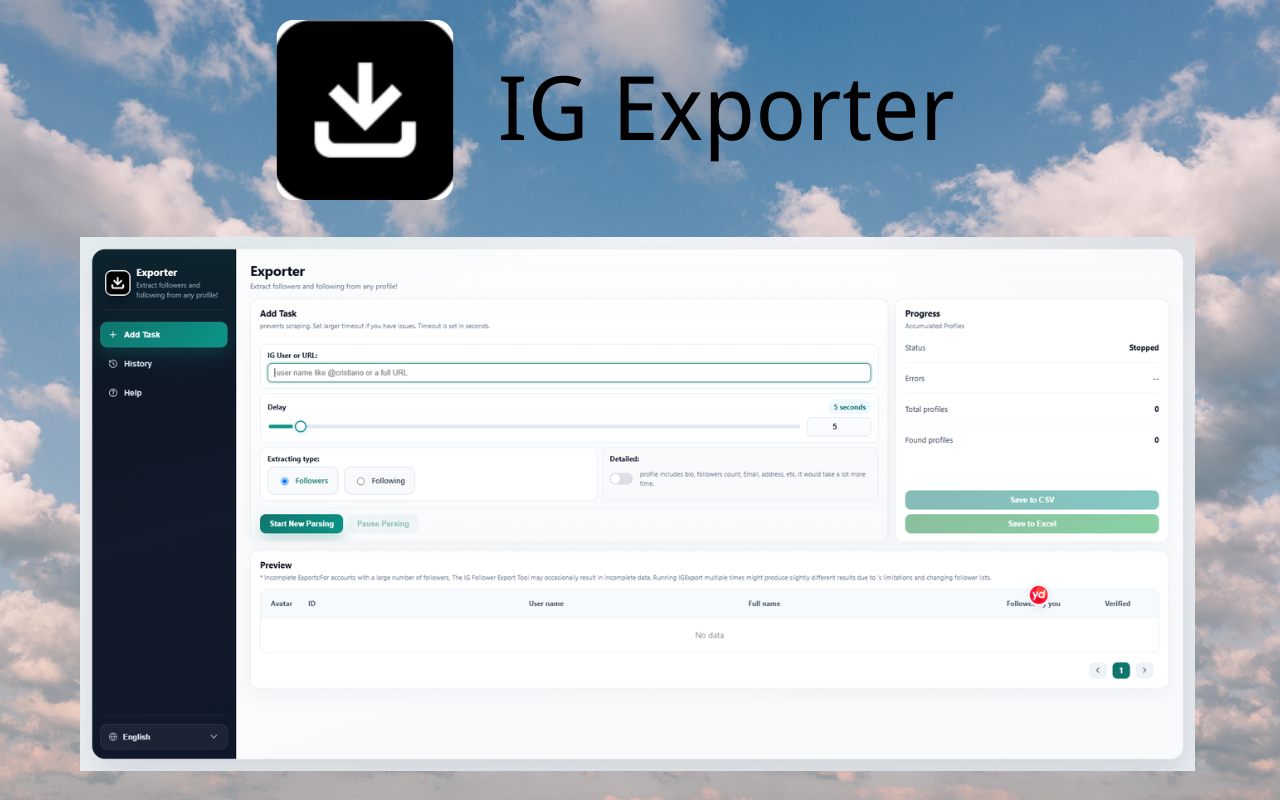
- Click the extension icon, paste a username or URL, choose Followers or Following, then start.
- Download the CSV or Excel file when Chrome finishes the run.
Chrome extension vs other methods
| Method | Best for | Trade-off |
|---|---|---|
| Chrome / Edge extension (IG Exporter) | One-off or occasional spreadsheets | Needs the browser open during the run |
| Instagram Download your information | Your own account with follow dates | JSON/HTML only; not other people’s lists |
| Cloud automation | Scheduled recurring pipelines | Session runs on a vendor server; paid plans |
Permissions and good practice
Only export lists you can already open in Instagram. Use a secondary account for heavy research, leave cooldown on, and do not run several large exports at once. Follow Instagram’s terms and local privacy rules when you store or share the file.
Questions
Does the Chrome extension work offline?
No. It needs Instagram open in the browser so it can read the list through your session.
Is this the same as other “IG tools” extensions?
No. Many Chrome listings use similar names. This one is IG Exporter, listed as IG Follower Export Tool, and the store page links to ig-exporter.com.
Does it work on mobile Chrome?
Mobile Chrome does not support this kind of extension. Use desktop Chrome or Edge for the export; this page’s preview still works on a phone.
How much does it cost?
Free to install, with 550 profiles included on every export. Pro is $9.99 per month or $79.99 per year inside the extension.
Add the Chrome extension
Install IG Exporter, open Instagram in Chrome or Edge, and export your first followers list.
 Chrome に追加