Excel file or CSV?
Choose the Excel file when the list is going to be opened in Microsoft Excel. Names, bios, and emoji keep their characters, and the columns are already split. Choose CSV when the list is going into another tool, such as Google Sheets, a CRM, or an email platform, because almost every import screen accepts CSV.
Export the list
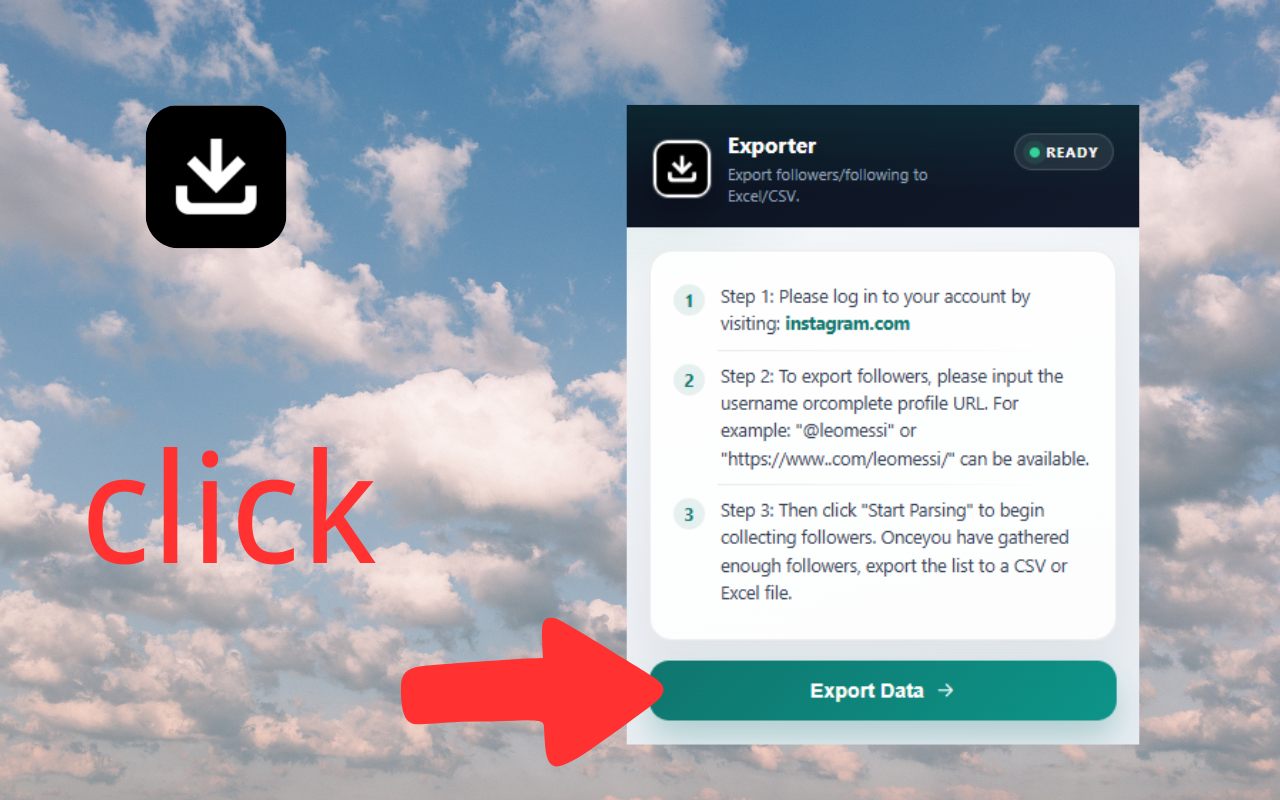
- Install IG Exporter from the Chrome Web Store and sign in to Instagram in the same Chrome profile.
- Open the extension and paste the username or profile URL.
- Choose Followers or Following, then fast or detailed mode.
- Start the export and wait for it to finish. Large lists in detailed mode take longer.
- Download the Excel file, or the CSV, and open it from Chrome’s downloads.
If a CSV opens with broken characters in Excel
Double-clicking a CSV makes Excel guess the text encoding, and on many computers it guesses wrong. Accented names, Arabic or Asian scripts, and emoji turn into symbols such as é or ????. The data is fine; only the import is wrong. Open it this way instead:
- Open a blank workbook in Excel.
- Go to Data, then From Text/CSV, and pick the file.
- Set File Origin to 65001: Unicode (UTF-8).
- Click Load.
Or skip the problem entirely and download the Excel file instead of the CSV.
Columns in a detailed export
| Column | What it holds |
|---|---|
| Username | Instagram handle |
| Full name | Name shown on the profile |
| Verified status | Whether the profile shows a verification badge |
| Private status | Whether the profile is private |
| Biography | Profile bio text |
| Follower count | Follower total shown on the profile |
| Following count | Following total shown on the profile |
| Media count | Number of posts |
| Public email | Email published on the profile |
| External URL | Website link on the profile |
A cell is blank when the profile does not show that field. If Excel turns a phone number into scientific notation, format that column as Text before you edit it.
Five things to do in Excel after the export
- Turn the range into a table with Ctrl + T so every column gets a filter.
- Sort by follower count to find the largest accounts in the list.
- Filter the public email column for non-blank cells to build an outreach list.
- Search the biography column for keywords such as a city, a job title, or a niche.
- Remove duplicates on the username column when you combine several exports.
Prefer Google Sheets?
Download the CSV, then in Google Sheets choose File, Import, Upload. Sheets reads UTF-8 correctly, so names and emoji display without extra steps.
Questions
How many followers can I export to Excel?
Up to 50,000 profiles in one export. Each export includes 550 profiles free, and Pro removes that limit.
Does Instagram have its own Excel export?
No. Instagram’s Download your information gives your own followers and following as JSON or HTML files, not as a spreadsheet, and it does not cover other accounts.
Will the rows be in follow order?
Not reliably. Instagram no longer returns follower lists in strict date order, so sort by the columns you need instead.
Is my list uploaded anywhere?
No. The file is created in your browser and saved to your computer.
Get your followers into Excel
Install IG Exporter, export the list, and open it in Excel in a couple of minutes.
 安装到 Chrome